Hey there! 👋 Let's talk about something exciting that's transformed how we handle files in web apps - the File System Access API. If you've ever wished your web app could work with files as smoothly as a desktop app, you're in for a treat.
What's All the Fuss About?#
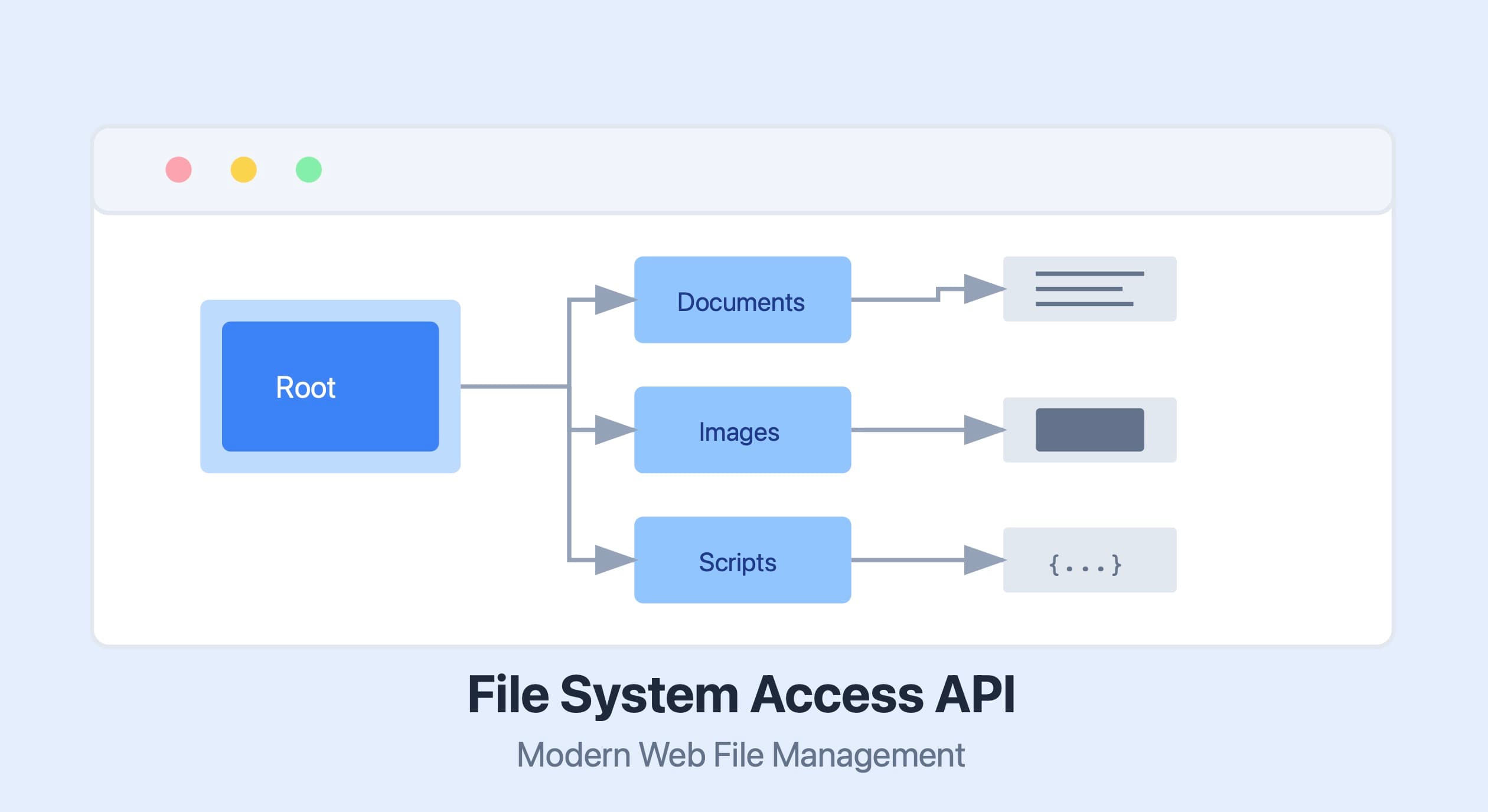
Remember the old days when working with files in web apps meant wrestling with <input type="file"> elements? Well, those days are behind us! The File System Access API lets your web apps work directly with files and folders on a user's device, just like desktop apps do. Pretty cool, right?
Getting Started with File Handles#
The heart and soul of this API is something called a file handle. Think of it as your ticket to accessing a file - once you have it, you can read, write, and keep track of changes. Here's a solid implementation you can use right away:
class FileSystemManager {
constructor() {
this.activeHandles = new Map();
}
async getFileHandle(options = {}) {
try {
const pickerOpts = {
multiple: false,
types: [
{
description: 'Text Files',
accept: {
'text/plain': ['.txt', '.md', '.json']
}
}
],
...options
};
const [fileHandle] = await window.showOpenFilePicker(pickerOpts);
this.activeHandles.set(fileHandle.name, fileHandle);
return fileHandle;
} catch (error) {
if (error.name === 'AbortError') {
console.log('No worries! User just cancelled the file picker');
return null;
}
console.error('Oops! Something went wrong:', error);
throw error;
}
}
async readFile(fileHandle) {
try {
const permissions = await fileHandle.queryPermission({ mode: 'read' });
if (permissions !== 'granted') {
const newPermissions = await fileHandle.requestPermission({ mode: 'read' });
if (newPermissions !== 'granted') {
throw new Error("Looks like we don't have permission to read this file");
}
}
const file = await fileHandle.getFile();
return await file.text();
} catch (error) {
console.error('Error reading file:', error);
throw error;
}
}
async writeFile(fileHandle, contents) {
try {
const permissions = await fileHandle.queryPermission({ mode: 'readwrite' });
if (permissions !== 'granted') {
const newPermissions = await fileHandle.requestPermission({ mode: 'readwrite' });
if (newPermissions !== 'granted') {
throw new Error("We need permission to write to this file");
}
}
const writable = await fileHandle.createWritable();
await writable.write(contents);
await writable.close();
} catch (error) {
console.error('Error writing to file:', error);
throw error;
}
}
}
Working with Directories#
Need to handle folders? I've got you covered! Here's a reliable way to work with directories:
class DirectoryManager {
  constructor() {
    this.currentDirectory = null;
  }

  async openDirectory() {
    try {
      this.currentDirectory = await window.showDirectoryPicker();
      return this.currentDirectory;
    } catch (error) {
      if (error.name === 'AbortError') {
        console.log('User cancelled directory selection');
        return null;
      }
      throw error;
    }
  }

  async listDirectory(dirHandle = this.currentDirectory, recursive = false) {
    if (!dirHandle) {
      throw new Error('No directory selected');
    }

    const entries = [];
    try {
      for await (const entry of dirHandle.values()) {
        if (entry.kind === 'file') {
          entries.push({
            kind: 'file',
            name: entry.name,
            handle: entry
          });
        } else if (entry.kind === 'directory') {
          const dirEntry = {
            kind: 'directory',
            name: entry.name,
            handle: entry
          };

          if (recursive) {
            dirEntry.contents = await this.listDirectory(entry, true);
          }

          entries.push(dirEntry);
        }
      }
      return entries;
    } catch (error) {
      console.error('Error listing directory:', error);
      throw error;
    }
  }
}
A Real Document Editor Example#
Let's put it all together with a practical example - a document editor that autosaves your work:
class DocumentEditor {
constructor() {
this.fileSystem = new FileSystemManager();
this.currentFile = null;
this.autoSaveInterval = null;
this.content = '';
}
async openDocument() {
try {
const fileHandle = await this.fileSystem.getFileHandle({
types: [
{
description: 'Text Documents',
accept: {
'text/plain': ['.txt'],
'text/markdown': ['.md']
}
}
]
});
if (!fileHandle) return null;
const content = await this.fileSystem.readFile(fileHandle);
this.currentFile = {
handle: fileHandle,
name: fileHandle.name
};
this.content = content;
this.startAutoSave();
return content;
} catch (error) {
console.error('Error opening document:', error);
throw error;
}
}
startAutoSave() {
if (this.autoSaveInterval) {
clearInterval(this.autoSaveInterval);
}
this.autoSaveInterval = setInterval(async () => {
if (this.currentFile && this.content) {
try {
await this.fileSystem.writeFile(this.currentFile.handle, this.content);
console.log('Autosaved:', new Date().toLocaleTimeString());
} catch (error) {
console.error('Autosave failed:', error);
}
}
}, 30000);
}
updateContent(newContent) {
this.content = newContent;
}
async saveDocument() {
if (!this.currentFile) {
throw new Error('No document is currently open');
}
await this.fileSystem.writeFile(this.currentFile.handle, this.content);
}
cleanup() {
if (this.autoSaveInterval) {
clearInterval(this.autoSaveInterval);
}
}
}
Tips for Working with Large Files#
When you're dealing with big files, you'll want to process them in chunks. Here's a handy way to do that:
class FileProcessor {
constructor() {
this.chunkSize = 1024 * 1024;
}
async processLargeFile(fileHandle, processor) {
const file = await fileHandle.getFile();
const totalChunks = Math.ceil(file.size / this.chunkSize);
const results = [];
for (let i = 0; i < totalChunks; i++) {
const start = i * this.chunkSize;
const end = Math.min(start + this.chunkSize, file.size);
const blob = file.slice(start, end);
const chunk = await blob.text();
const processedChunk = await processor(chunk, {
chunkNumber: i + 1,
totalChunks,
progress: ((i + 1) / totalChunks) * 100
});
results.push(processedChunk);
}
return results.join('');
}
}
Keeping Things Secure#
Security is super important when working with files. Here's a robust way to manage permissions:
class PermissionManager {
constructor() {
this.permissions = new Map();
}
async verifyPermission(fileHandle, mode = 'read') {
const key = `${fileHandle.name}-${mode}`;
const cached = this.permissions.get(key);
if (cached && Date.now() - cached.timestamp < 1000 * 60 * 5) {
return cached.granted;
}
const currentPermission = await fileHandle.queryPermission({ mode });
if (currentPermission === 'granted') {
this.cachePermission(key, true);
return true;
}
const requestedPermission = await fileHandle.requestPermission({ mode });
const granted = requestedPermission === 'granted';
this.cachePermission(key, granted);
return granted;
}
cachePermission(key, granted) {
this.permissions.set(key, {
granted,
timestamp: Date.now()
});
}
}
What's Next?#
The File System Access API keeps getting better! Keep an eye out for new features like:
- More granular permission controls
- Better performance with large files
- Improved integration with other modern web APIs
That's it! You're now equipped to build some seriously powerful web apps that can work with files like native applications. Remember to always check for browser compatibility and handle permissions properly. Happy coding! 🚀
Need any clarification or want to see more examples? Just let me know!
 By Amaresh Adak6 min read
Comments
Sign in to join the discussion.
No comments yet. Be the first to share your thoughts.